SNNIB: Spiking Neural Networks Into Blender

Note
this add-on consists of two parts:
the blender add-on;
a python package used create files compatible with SNNIB;
if you find this add-on useful in your work, an acknowledgement would be appreciated:
@software{PY_Steinwender2026_snnib,
	author    = {{Steinwender}, Lukas},
	title     = {SNNIB: Spiking Neural Networks Into Blender},
	month     = Mar,
	year      = 2026,
	version   = {latest},
	url       = {https://github.com/TheRedElement/snnib.git}
}
Example Renders
|
|
randomly generated network |
|
|
|
imported brian2 network (400 neurons, 1260 synapses, source) |
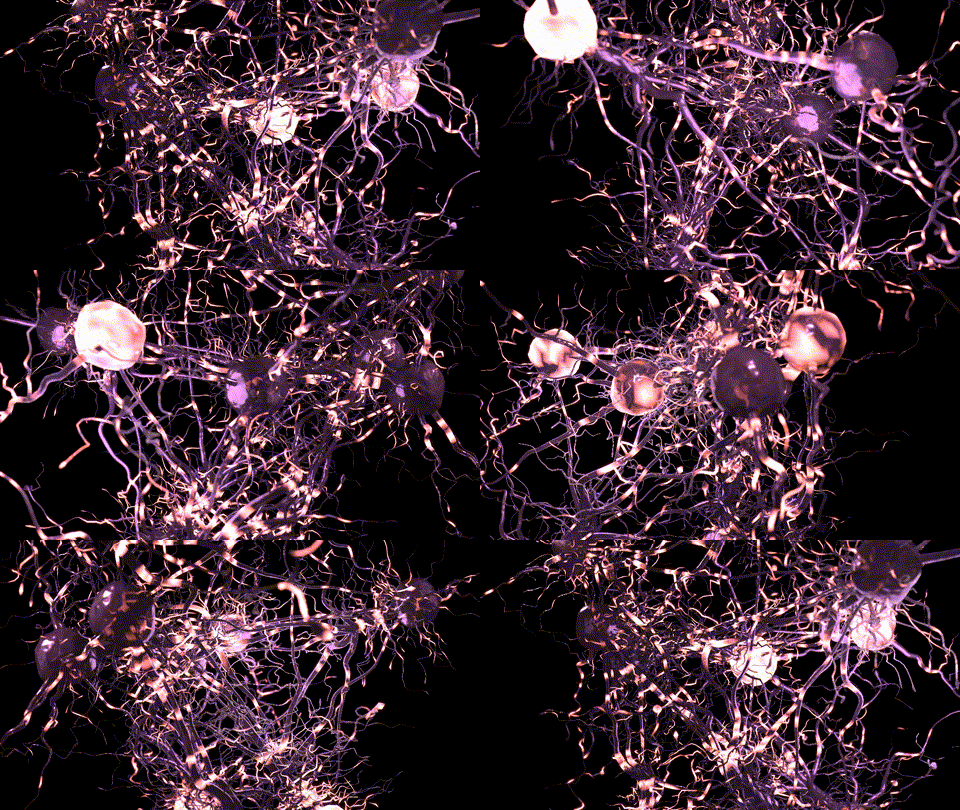
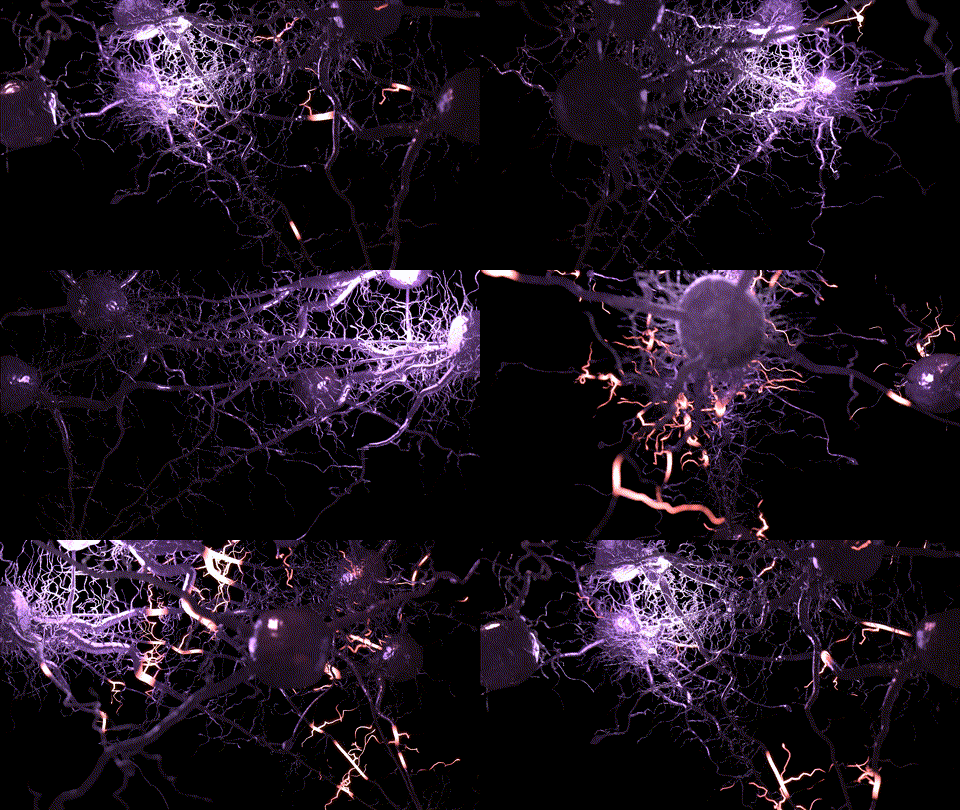
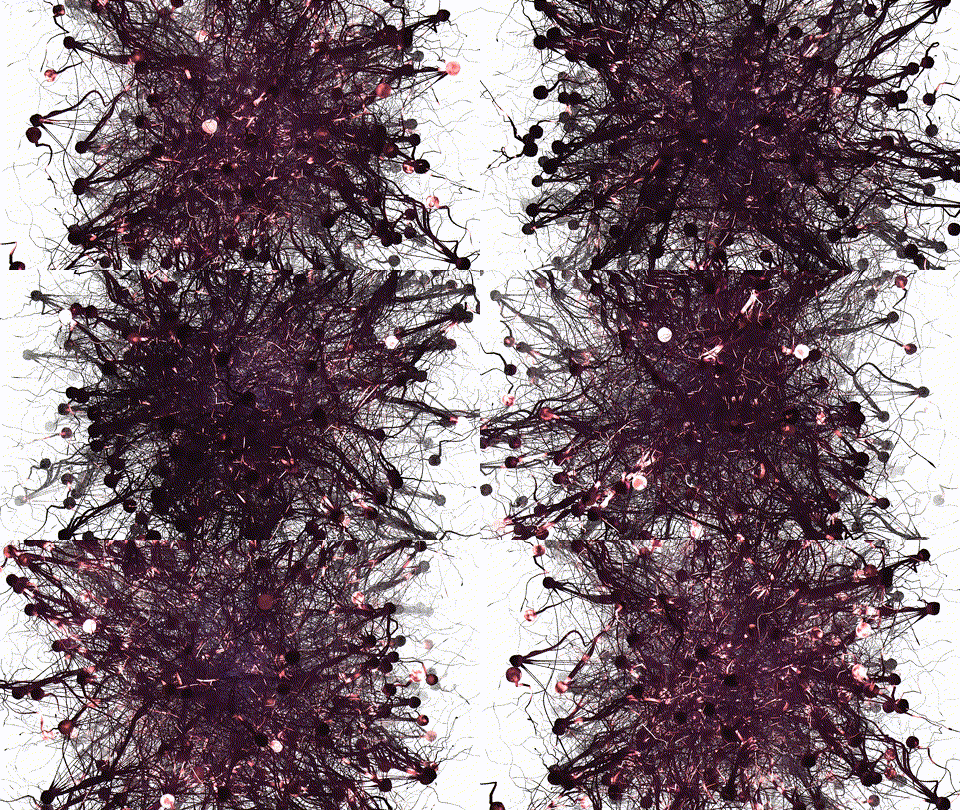
Note
you can also render much larger networks depending on your hardware. on a 16GB RAM, 16 core laptop I tested up to 1600 neurons. The main issue you will run into is that there is so much going on, that it is hard to distinguish individual neurons and neurites.
Quickstart
more detailed documentation can be found in the readthedocs page
Add-on
Installation
download releases/snnib.zip
in blender
navigate to
Edit > Preferences > Add-onsdrag and drop the downloaded file (snnib.zip) into the window
click
OK
Mappings
one time-step (\(dt\)) in a SNN simulation is mapped to a single frame in blender
Python package
Installation
simply install via
pip
pip3 install git+https://github.com/TheRedElement/snnib.git
for tutorials checkout tutorials
Currently supported simulators
random network generation
For developers
Compiling the add-on
If you want to compile the add-on yourself (i.e., in case you made some changes to a forked repo and want to compile an updated version) you can do so by calling the following from the repository root:
bash publish.sh
Known Restrictions
because a lot of geometry is generated when building a large network,
crtl + zwill likely fail
TODO:
geo nodes node trees and shader nodes node trees do not persist when reloading the
.blendfilesave function (to store network randomly generated with
snnib)
Video Tutorials
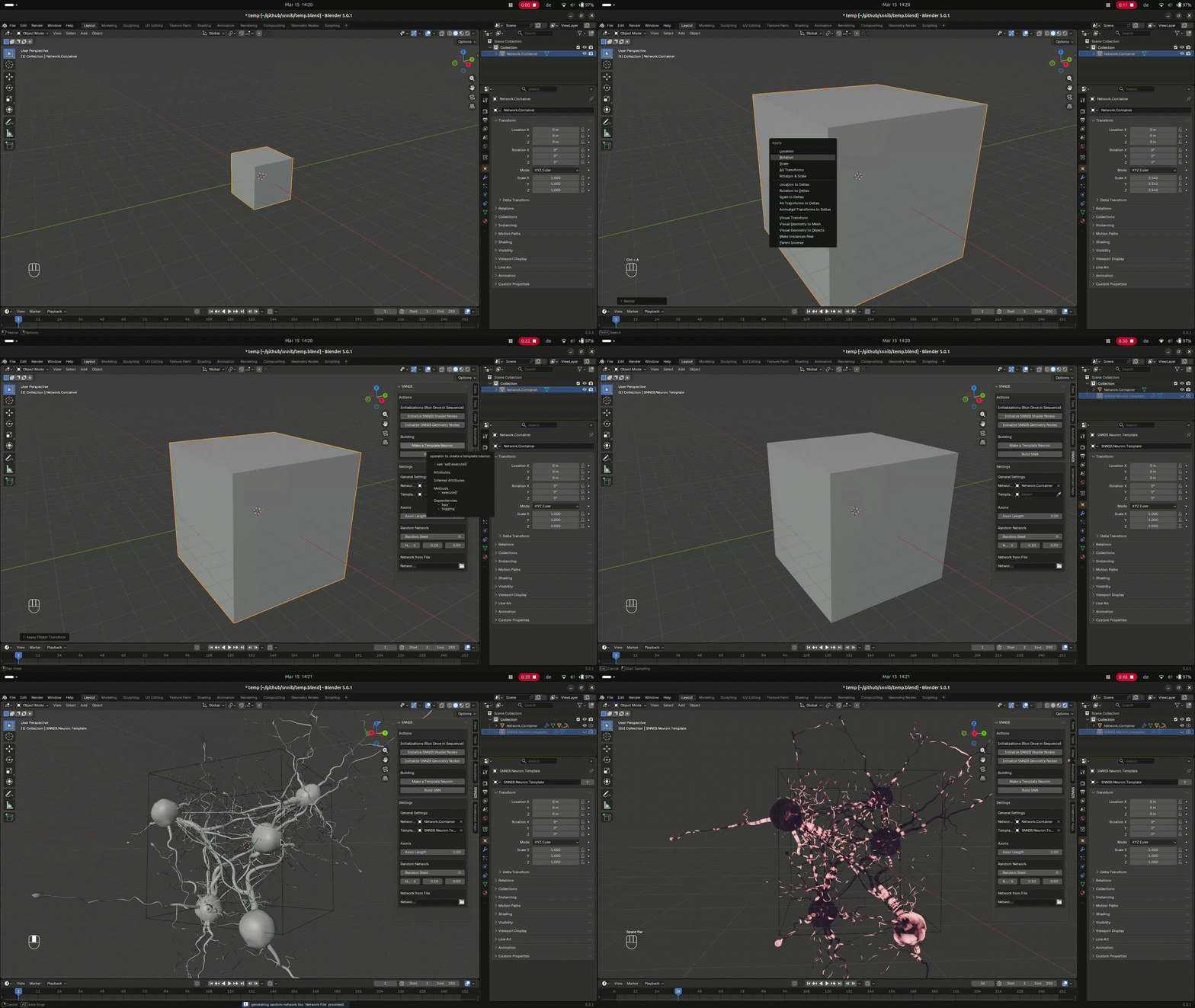
generating random network
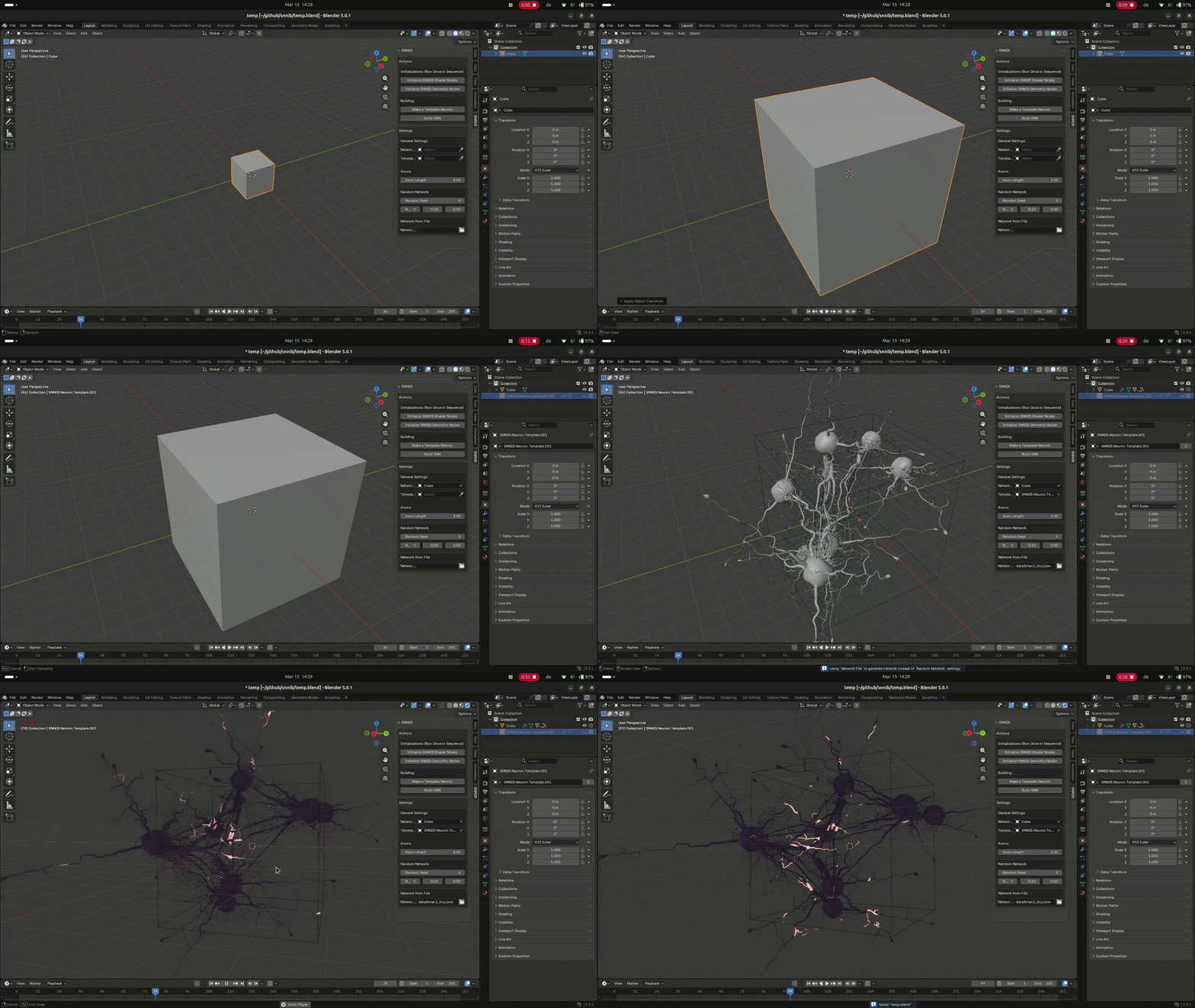
 loading network from file
 control using geometry nodes